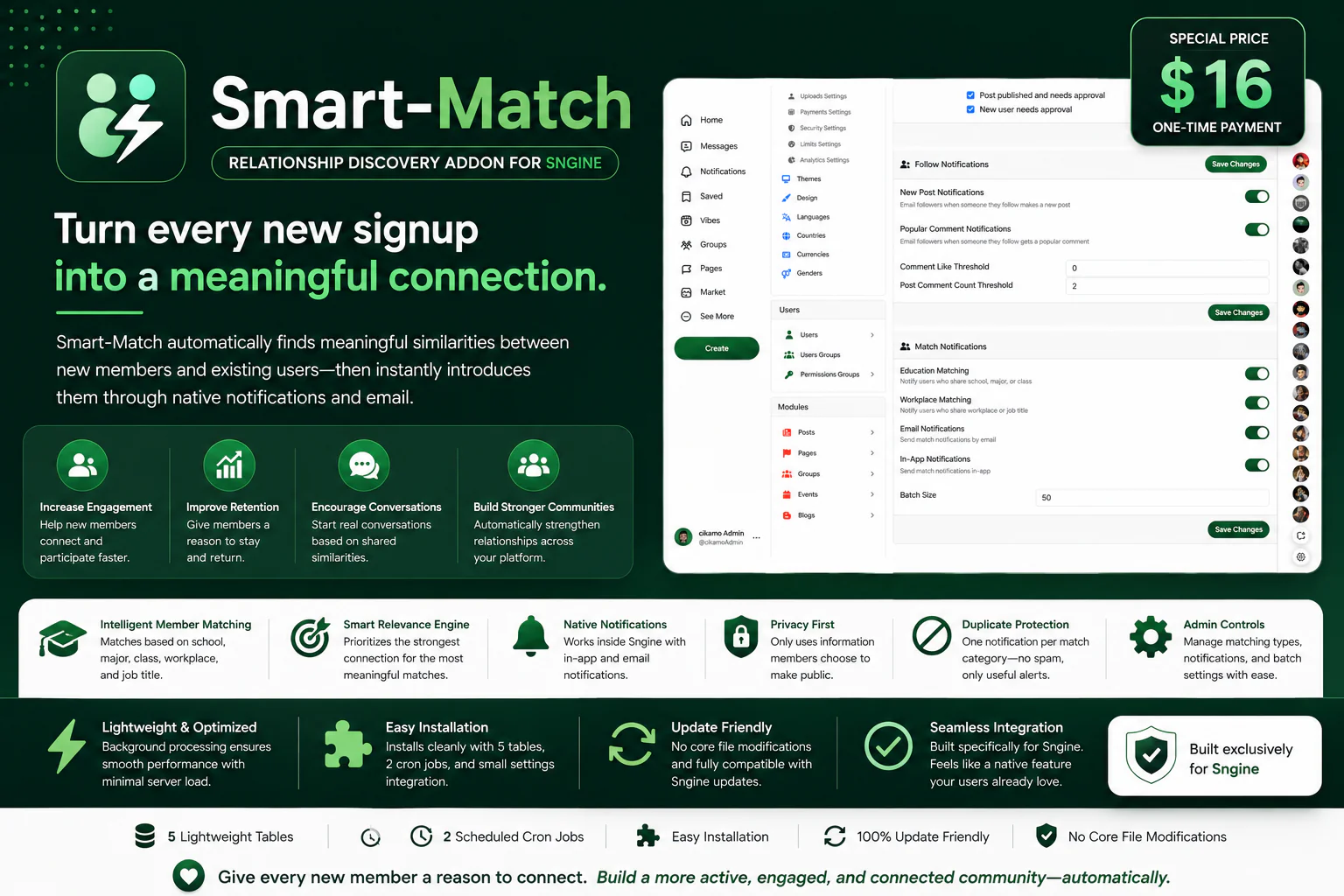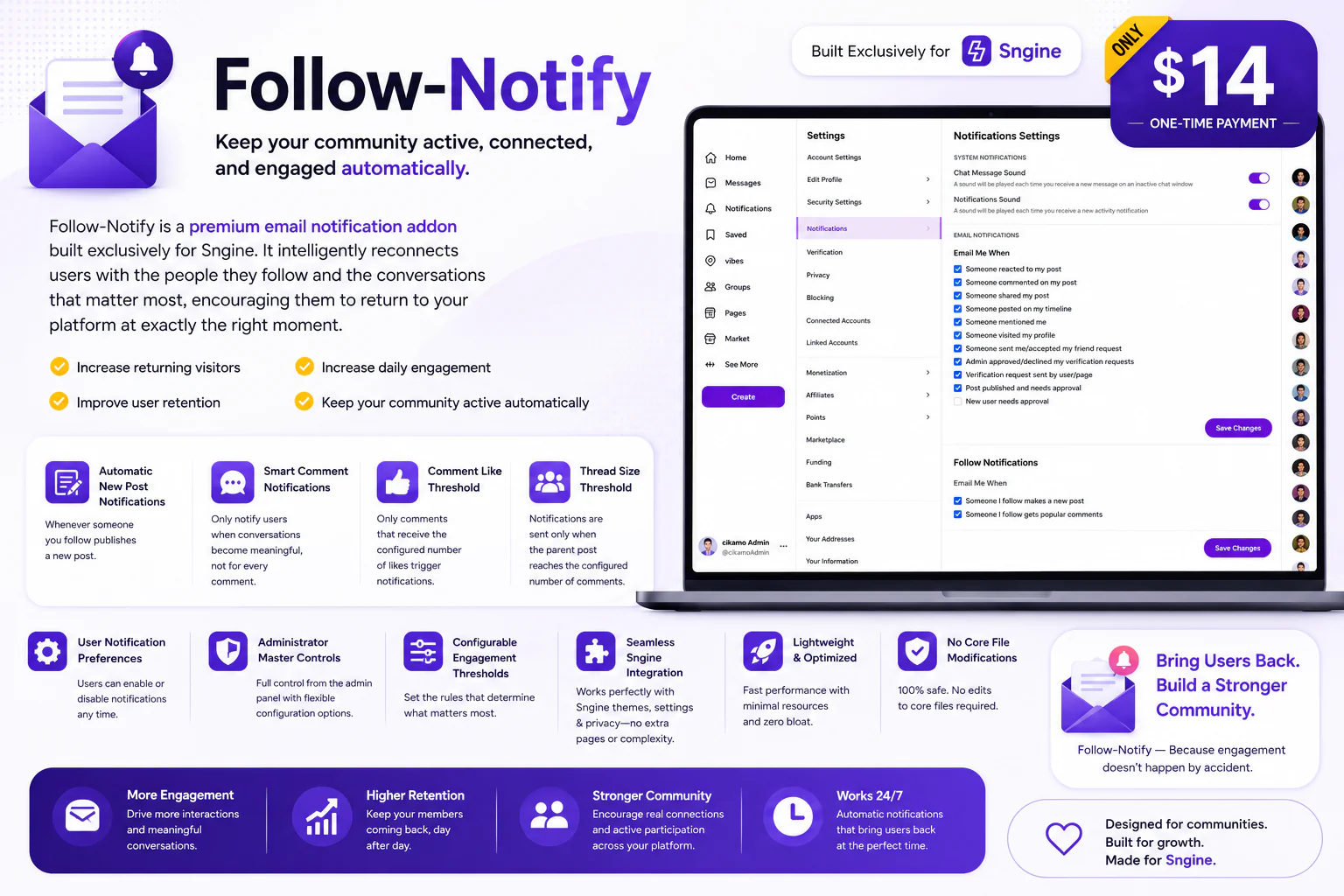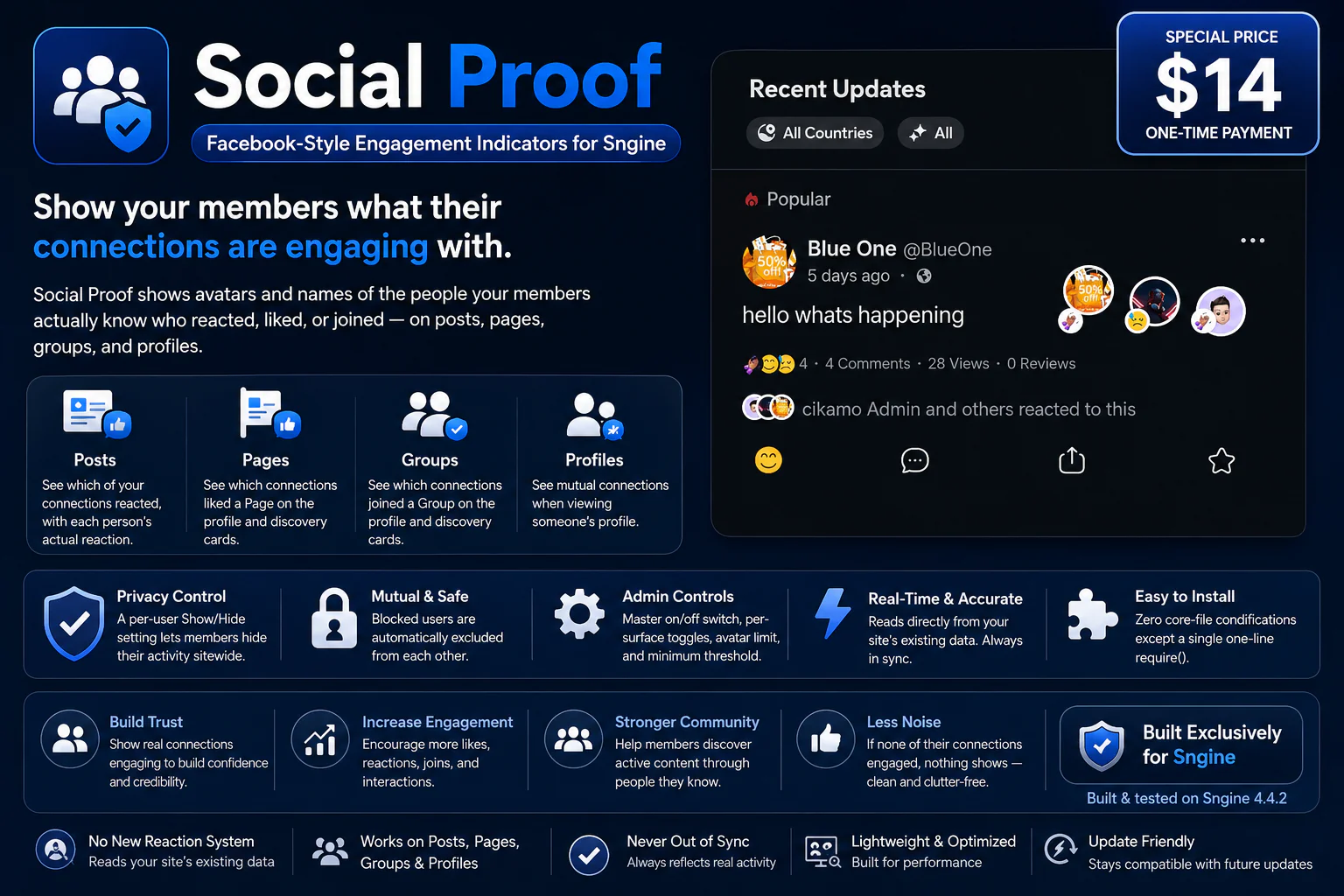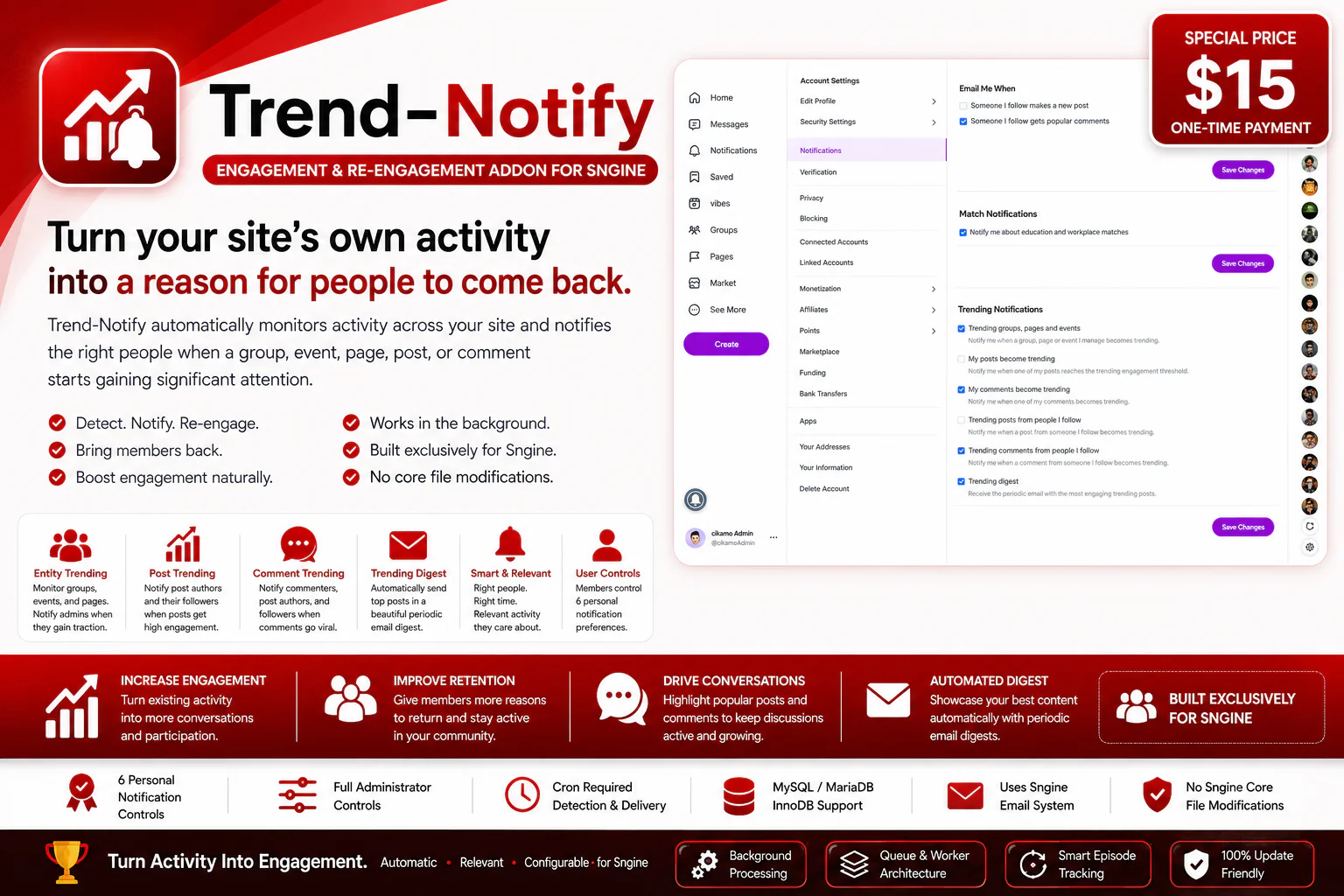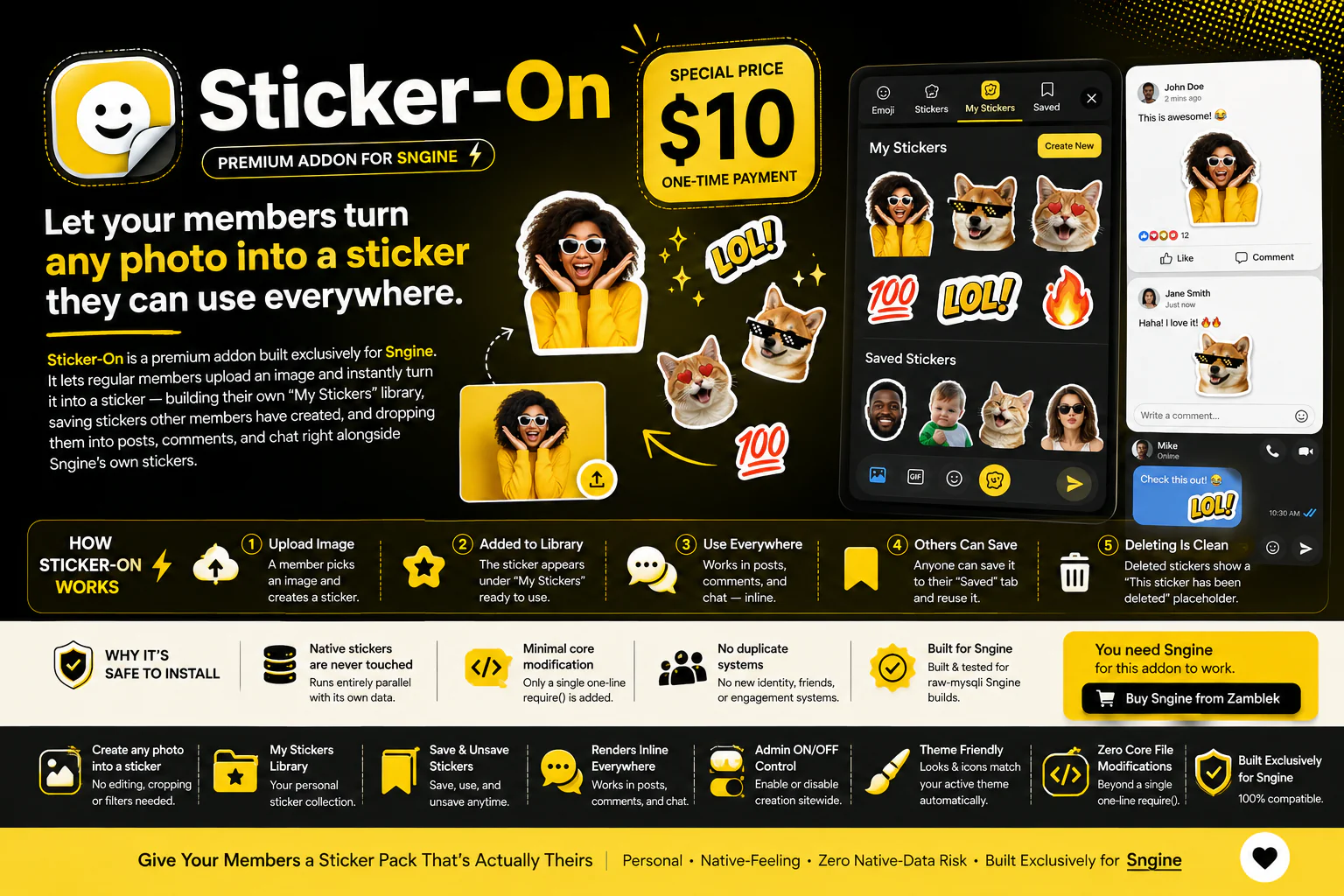
Let your members turn any photo into a sticker they can use everywhere.
Sticker-On is a premium addon built exclusively for Sngine. It lets regular members upload an image and instantly turn it into a sticker — building their own "My Stickers" library, saving stickers other members have created, and dropping them into posts, comments, and chat right alongside Sngine's own stickers.
Instead of being limited to a fixed sticker pack, members can turn their own photos, memes, and inside jokes into stickers — making conversations feel more personal and giving your community something native sticker packs never can.
You need Sngine for this addon to work. If you don't already have Sngine, you can purchase it from official store here: Buy Sngine from Zamblek
How Sticker-On Works
Sticker-On does not touch or replace Sngine's native stickers system. It runs entirely parallel — its own storage, its own token format, its own rendering path — so native stickers keep working exactly as they always have.
1. A Member Uploads an Image
From the sticker menu, a member picks an image and creates a sticker — no cropping, editing, or filters required.
2. It's Added to Their Library
The new sticker appears immediately under "My Stickers," ready to reuse any time.
3. It Works Everywhere Stickers Do
The sticker can be used in posts, comments, and messaging/chat — rendered inline as an actual image, not a link or attachment.
4. Other Members Can Save It
Anyone who sees a sticker they like can save it to their own "Saved" tab and reuse it as if it were their own — without needing to recreate it.
5. Deleting Is Clean
If the creator deletes a sticker, it's removed from everyone's Saved list automatically. Any post, comment, or message that already used it shows a simple "This sticker has been deleted" placeholder instead of broken or leftover text.
My Stickers Library
Every member gets their own personal library of stickers they've created — organized in a dedicated tab inside the existing sticker/emoji menu, alongside Sngine's native stickers and emoji.
Saved Stickers
Members aren't limited to stickers they've made themselves. Any sticker created by another member can be saved to a personal "Saved" tab and used freely — a simple, low-friction way for creative members to build a following for their sticker packs.
Clean, Native-Feeling Rendering
Stickers created with Sticker-On render inline wherever Sngine already supports content — posts, comments, and chat — using the same visual footprint members already expect from stickers.
Admin Control
Administrators can enable or disable sticker creation sitewide with a single switch in the native Sngine admin panel. When off, members can no longer create new stickers; existing stickers already posted keep working as before.
Why It's Safe to Install
Native stickers are never touched
Sticker-On has its own tables and its own rendering logic. Sngine's existing stickers system, table, and behavior are completely untouched.
Minimal core modification
Installation requires a single one-line addition inside one existing function — nothing else in Sngine core is edited.
No duplicate identity or friend systems
Sticker-On doesn't introduce a new social graph or engagement system — it plugs directly into the sticker/emoji menu members already use.
Built for Sngine
Built and tested specifically for Sngine following the same data-access conventions Sngine itself uses.
Key Features
Settings & Controls
For Users
No separate settings page — creating, saving, and deleting stickers all happen directly from the existing sticker/emoji menu.
For Administrators
Location:
Admin Panel → Stickers
Requirements
Sticker-On is built exclusively for Sngine.
Live Demo
Demo URL:
https://test.cikamo.com
Admin Test Account
Email: [email protected]
Password: Test17#
User Test Account
Email: [email protected]
Password: Test17#
You can as well register another account with your email to test
Documentation
view here
Support
Need help with installation, configuration, or want custom work done on this addon? Feel free to contact me.
Email:
[email protected]
WhatsApp:
+2349136247894
Changelog
Version 1.0
Give Your Members a Sticker Pack That's Actually Theirs
Personal • Native-Feeling • Zero Native-Data Risk • Built Exclusively for Sngine